
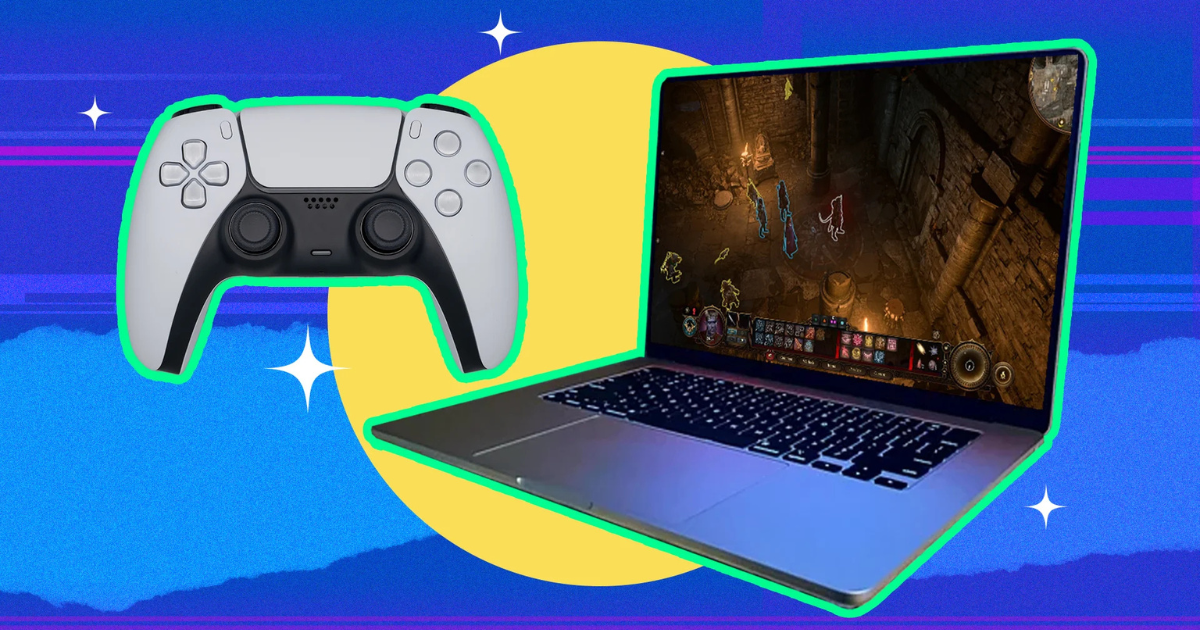
For years, the assumption has been that if you want to play PC gaming, you need a Windows machine—end of story. Macs were known for sleek design, creative software, and reliability, not for running graphics-heavy games. But a lot has changed. Modern Apple Silicon Macs (M1, M2, M3, and the latest M-series chips) are surprisingly capable, and the Mac gaming ecosystem has grown in ways many people don’t expect.
So, is PC gaming on a Mac possible? Yes—more than ever. But how well it works depends on your hardware, your expectations, and the methods you choose. Let’s break it down.
Native Mac Gaming: The Cleanest Option
Native gaming means the game has an actual macOS version. There’s no emulation, no virtualization—just download and play.
While macOS doesn’t have the enormous library that Windows does, the number of native titles is growing. Popular games like Baldur’s Gate 3, Resident Evil Village, World of Warcraft, and Fortnite (via iOS version on Mac with M-series chips) all run directly on macOS.
Thanks to Apple Silicon’s strong GPU performance and efficient architecture, many of these games run extremely well—even on base M1 or M2 machines. MacBooks generally aren’t “gaming laptops,” but they can handle modern titles at medium to high settings depending on the model.
Best for:
-
Players who want stability
-
Games officially supported on macOS
-
Casual to mid-level gaming performance
Cloud Gaming: The Easiest Way to Play PC Games on a Mac
If your Mac isn’t very powerful—or you want to play high-end Windows-only games—cloud gaming is the simplest option. These services stream games from powerful remote PCs to your Mac.
Popular services include:
-
NVIDIA GeForce NOW
-
Xbox Cloud Gaming
-
Amazon Luna
-
Boosteroid
All you need is a decent internet connection. This method lets you run games that a Mac could never handle locally. You can play Cyberpunk 2077, Starfield, Apex Legends, or any other demanding title without frying your MacBook’s fans.
Best for:
-
Non-native games
-
High-end AAA titles
-
Gamers with fast internet
Gaming Through Apple’s Game Porting Toolkit
This is one of the biggest recent advancements. Apple’s Game Porting Toolkit (GPTK) allows many Windows games to run directly on macOS without developers needing to create native Mac versions. Think of it as a compatibility layer similar to Proton on Linux.
Players have already gotten dozens of major titles running using GPTK, including:
-
Elden Ring
-
Fallout 4
-
The Witcher 3
-
Skyrim Special Edition
While it’s not perfect and requires some technical setup, performance is surprisingly strong on Apple Silicon.
Best for:
-
Gamers comfortable with setup and tweaks
-
Running Windows games that aren’t too demanding
Running Windows on a Mac (Limited but Possible)
If you want the “full PC experience,” installing Windows is the traditional method—but things are more complicated now.
Intel Macs
You can still use Boot Camp to install Windows natively and run PC games with solid performance.
Apple Silicon Macs
Boot Camp does not work on M-series Macs. Your only option is virtualization tools like:
-
Parallels Desktop
-
UTM
These run Windows ARM, which supports many—but not all—x86 games. Performance is good for lighter titles but not ideal for modern AAA gaming.
Best for:
-
Running older or indie Windows games
-
Users who already own Windows software
So, Is PC Gaming on a Mac Worth It?
Absolutely—but with the right expectations.
A Mac is great for:
-
Cloud-streaming the latest AAA games
-
Playing many native M-series–optimized titles
-
Running a surprising number of Windows games through GPTK
-
Casual and mid-range gaming on the go
A Mac is not ideal for:
-
Hardcore PC gamers expecting top-tier AAA performance
-
Gamers relying heavily on modding or Windows-exclusive launchers
-
VR gaming
Final Thoughts
PC gaming on a Mac is no longer a joke—it’s genuinely possible, and in some cases, incredibly good. Whether you choose native gaming, cloud streaming, or Apple’s Game Porting Toolkit, you now have multiple ways to enjoy a huge range of titles.
If you already own a Mac, you may be surprised at what it can handle. And if you’re deciding between a Mac and a gaming PC, your options today are more flexible than ever.