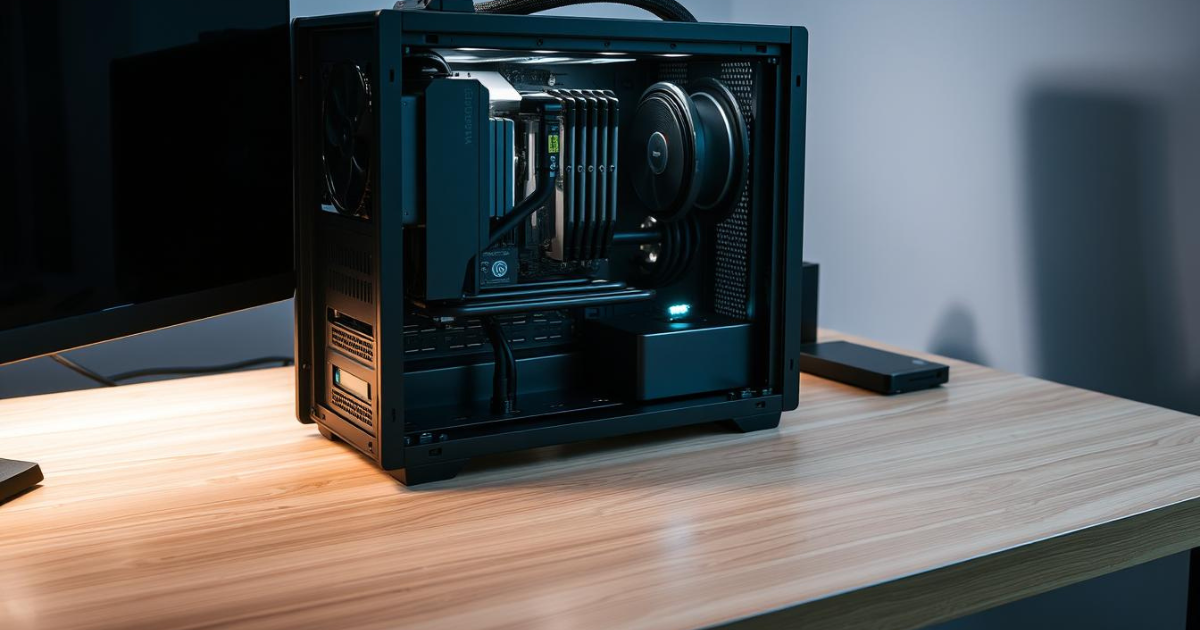
Building your own gaming PC is one of the most rewarding experiences for any gamer. Not only does it allow you to customize your system for maximum performance, but it can also save money compared to buying a prebuilt computer. Whether you want smooth gameplay, higher frame rates, or future upgrade options, building a gaming PC gives you full control. This guide explains everything you need to know to get started.
1. Choose the Right Components
Before assembling your PC, you must select compatible hardware. The most important components include:
-
Processor (CPU): The CPU handles all core computing tasks. Popular choices include AMD Ryzen and Intel Core processors. For gaming, a mid-range CPU is usually enough unless you plan to stream or edit videos.
-
Graphics Card (GPU): The GPU is the heart of any gaming PC. It determines how well games run and what graphics settings you can use. NVIDIA GeForce and AMD Radeon cards are the most popular options.
-
Motherboard: This connects all components together. Make sure it supports your CPU, RAM type, and storage options.
-
RAM (Memory): 16GB of RAM is ideal for modern gaming, while 8GB may still work for lighter games.
-
Storage: Use an SSD for fast boot times and quick game loading. Many gamers combine an SSD with a larger HDD for extra storage.
-
Power Supply (PSU): A reliable PSU ensures stable power delivery. Always choose a trusted brand with enough wattage for your components.
-
PC Case: Select a case with good airflow and enough space for your GPU and cooling system.
2. Prepare Your Workspace
Before building, choose a clean, well-lit workspace. Use an anti-static wrist strap or touch a grounded metal surface to prevent static electricity from damaging components. Keep all screws and cables organized to make assembly easier.
3. Install the CPU and RAM
Start by placing the CPU into the motherboard socket. Align the markers carefully and lock it into place. Next, install the RAM sticks into the correct slots, usually labeled on the motherboard. Press firmly until they click into position.
4. Mount the Motherboard and Storage
Once the CPU and RAM are installed, mount the motherboard inside the case using the provided standoffs and screws. After that, install your storage drives. SSDs can be mounted directly onto the motherboard or inside the case, while HDDs usually go into designated drive bays.
5. Install the Graphics Card
Insert the graphics card into the PCIe slot on the motherboard. Secure it with screws and connect the required power cables from the PSU. This step is crucial, as the GPU has the biggest impact on gaming performance.
6. Connect the Power Supply and Cables
Install the power supply in the case and connect all necessary cables, including power for the motherboard, CPU, GPU, and storage devices. Proper cable management improves airflow and keeps your build looking clean.
7. Final Checks and First Boot
Before turning on your PC, double-check all connections. Ensure fans are plugged in and cables are secure. Once everything is ready, power on the system and enter the BIOS to confirm all components are detected correctly.
8. Install the Operating System and Drivers
Install your operating system, usually Windows or Linux, using a USB drive. After installation, download the latest drivers for your GPU, motherboard, and other components. This ensures optimal performance and stability.
Conclusion
Building a gaming PC may seem intimidating at first, but by following the right steps, anyone can do it. The process allows you to create a system tailored to your gaming needs and budget. With careful planning and patience, you’ll enjoy better performance, easier upgrades, and the satisfaction of gaming on a PC you built yourself.