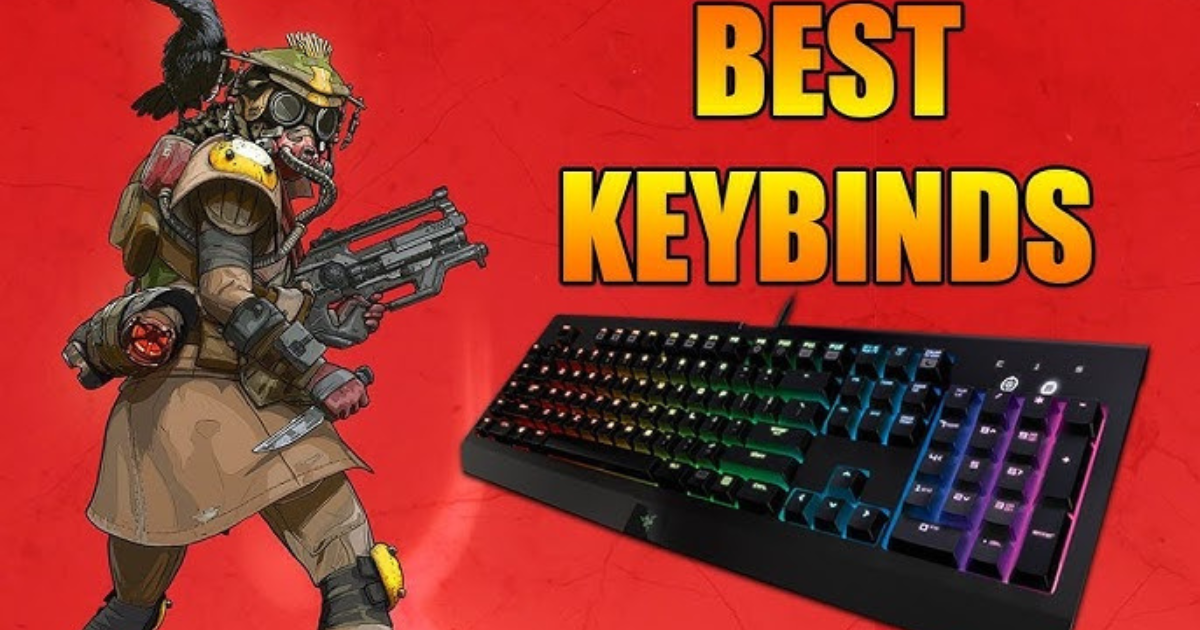
Apex Legends is one of the fastest-paced battle royale games out there, where quick reflexes and smooth movement often mean the difference between victory and defeat. While good aim and strategy are essential, your keybind setup plays a major role in how efficiently you can move, shoot, and react. The default Apex Legends keybinds work fine for beginners, but customizing your keys can drastically speed up your gameplay and make your movements more fluid.
Here’s a breakdown of the best Apex Legends PC keybinds to help you play faster and more efficiently.
1. Movement and Mobility Keybinds
Movement is the foundation of Apex Legends. Fast players master sliding, climbing, and bunny hopping — all of which depend on how easily you can reach your movement keys.
| Action | Recommended Key | Why It Helps |
|---|---|---|
| Move Forward / Back / Left / Right | W / S / A / D | Keep these default for comfort and muscle memory. |
| Sprint | Left Shift | Standard, but consider binding it to Mouse Button 4 for easier access. |
| Crouch (Toggle) | Left Ctrl or C | Use “C” for toggling to make slide-hopping smoother. |
| Jump | Spacebar or Mouse Wheel Down | Binding jump to Mouse Wheel Down makes bunny hopping and wall jumps easier. |
Pro Tip: Many top Apex players use Mouse Wheel Down for jump because it helps maintain momentum while slide-hopping and makes movement feel more fluid.
2. Combat Keybinds
Combat in Apex Legends is all about fast reactions — switching weapons, using abilities, and healing mid-fight. Small adjustments to these keys can save valuable milliseconds.
| Action | Recommended Key | Why It Helps |
|---|---|---|
| Fire Weapon | Left Mouse Button | Standard. |
| Aim Down Sights (Hold) | Right Mouse Button | Keep it hold instead of toggle for precision. |
| Reload | R | Keep default, but ensure it’s easy to press in combat. |
| Melee | Mouse Button 5 (or V) | Putting melee on your mouse makes close encounters faster. |
| Equip Grenade | G or Mouse Button 4 | Using a mouse button allows quick grenade throws without interrupting movement. |
| Use Ultimate Ability | Z or F | Bind it near your movement keys for quick activation in intense fights. |
Pro Tip: Consider binding your tactical ability (Q) and ultimate (Z or F) near your movement hand. Quick access to abilities like Wraith’s phase or Horizon’s lift can often save your life.
3. Inventory and Utility Keybinds
Managing your gear mid-fight should feel natural and fast. You don’t want to fumble through your inventory while under fire.
| Action | Recommended Key | Why It Helps |
|---|---|---|
| Open Inventory | Tab or I | Keep as Tab for quick access. |
| Use Health Item | 4 | Default is good, but consider binding Shield Cells and Med Kits separately. |
| Use Shield Battery | Mouse Wheel Click (Middle Mouse) | Quick access during firefights. |
| Ping / Communication | Middle Mouse | Perfect for quick pings without lifting fingers off movement keys. |
Pro Tip: Customize your healing keybinds in the settings under “Healing Item Select.” Assign Shield Cells, Batteries, Med Kits, and Phoenix Kits to unique keys if you want more control.
4. Additional Tips for Faster Gameplay
-
Turn on Hold-to-Crouch: This lets you slide and duck instantly instead of toggling crouch on and off.
-
Adjust Mouse Sensitivity: Keep your sensitivity low enough for precise aim but high enough for fast turns.
-
Practice Movement: Even with perfect keybinds, speed comes from muscle memory. Use the Firing Range to practice slide-hopping, wall jumps, and quick swaps.
Final Thoughts
The best keybinds in Apex Legends are the ones that feel comfortable and intuitive to you. The setups above are designed to minimize finger travel time, maximize movement fluidity, and improve combat efficiency. Spend some time experimenting and adjusting your layout to match your playstyle.
Once you find your ideal keybinds, muscle memory will kick in — and you’ll start noticing smoother, faster, and more confident gameplay in every match. Whether you’re chasing ranked climbs or just dropping in for fun, better keybinds can give you that extra edge you need to dominate the arena.