
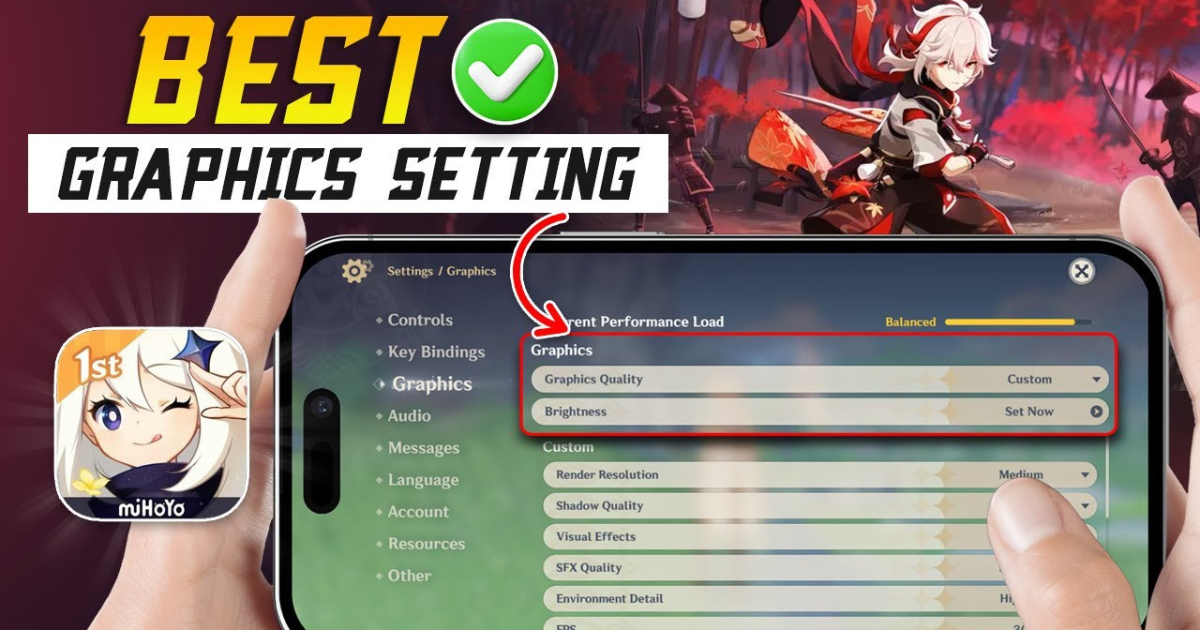
Genshin Impact continues to be one of the most visually stunning and content-rich mobile games ever made. With its open-world exploration, elemental combat, and anime-inspired visuals, it’s no surprise that millions of players enjoy it on their smartphones every day. However, due to its demanding graphics, many players struggle with lag, overheating, and frame drops — especially on mid-range devices.
To help you experience smooth gameplay without sacrificing too much visual quality, here’s a complete guide to the best mobile settings for Genshin Impact in 2025.
Understanding Genshin Impact’s Mobile Settings
Before diving into recommendations, it’s important to understand how Genshin’s settings affect performance. The game provides various customization options to balance visual quality and frame rate, including:
-
Graphics Quality: Determines overall visual fidelity.
-
Frame Rate: Controls how smoothly the game runs.
-
Render Resolution: Affects sharpness and clarity of textures.
-
Shadow Quality, Effects, and Motion Blur: Influence realism but consume a lot of power.
-
Bloom, Reflections, and Anti-Aliasing: Enhance visuals but can cause lag on weaker devices.
The trick is finding the sweet spot where the game looks great and runs consistently above 50–60 FPS.
Recommended Settings for Mid-Range Devices (e.g., Snapdragon 778G, Dimensity 1080)
If you’re using a mid-range smartphone, like the Samsung Galaxy A series, OnePlus Nord, or Xiaomi 12 Lite, here’s the ideal balance:
-
Graphics Quality: Medium
-
Frame Rate: 60 FPS
-
Render Resolution: 1.0x (or lower to 0.8x for smoother gameplay)
-
Shadow Quality: Low
-
Visual Effects: Medium
-
SFX Quality: Medium
-
Environment Detail: Medium
-
Anti-Aliasing: Off (helps reduce lag)
-
Bloom: On
-
Motion Blur: Off
-
Crowd Density: Low
Tip: Enable the “60 FPS” option first, then gradually increase other settings until performance starts to drop. This ensures smoother combat and exploration.
Best Settings for Low-End Devices (e.g., Snapdragon 680, Helio G95)
If your phone tends to overheat or stutter, focus entirely on stability and temperature control.
-
Graphics Quality: Low
-
Frame Rate: 30 FPS (more stable than 60 FPS on weak devices)
-
Render Resolution: 0.8x
-
Shadow Quality: Low
-
Visual Effects: Low
-
SFX Quality: Low
-
Environment Detail: Low
-
Anti-Aliasing: Off
-
Motion Blur: Off
-
V-Sync: Off
Pro tip: Use “Battery Saver Mode” in-game or enable your device’s “Game Booster” to manage background apps. This significantly improves FPS consistency.
Best Settings for Flagship Phones (e.g., Snapdragon 8 Gen 2, Apple A17 Pro)
If you’re lucky enough to own a high-end smartphone, you can enjoy Genshin’s full beauty with minimal performance issues.
-
Graphics Quality: High or Very High
-
Frame Rate: 60 FPS
-
Render Resolution: 1.1x or 1.2x
-
Shadow Quality: Medium or High
-
Visual Effects: High
-
SFX Quality: High
-
Environment Detail: High
-
Anti-Aliasing: On
-
Bloom: On
-
Motion Blur: Optional (for cinematic effect)
Note: Even powerful devices may heat up during long sessions. Consider lowering the frame rate to 45 FPS if thermal throttling becomes noticeable.
Additional Tips for Smooth Gameplay
-
Close background apps before launching the game to free up RAM.
-
Enable “Performance Mode” or “Game Mode” in your phone’s system settings.
-
Keep your device cool — overheating can reduce frame rate even on high-end phones.
-
Clear cache in the Genshin settings menu regularly.
-
Use a stable Wi-Fi connection — lag sometimes comes from network instability, not graphics.
-
Update drivers and game versions for the latest optimization patches.
Final Thoughts
Genshin Impact is a masterpiece that pushes mobile hardware to its limits. But with the right settings, you can enjoy the same beautiful world of Teyvat without lag or overheating. Whether you’re gliding over Mondstadt or battling bosses in Sumeru, these optimized settings ensure the smoothest possible experience across any device.
So tweak your graphics, manage your frame rate, and get ready to explore — because every adventure in Genshin Impact deserves to look and feel amazing.